STOP PUTTING OFF A PINTEREST STRATEGY THAT COULD BE MAKING YOU MONEY FOR YEARS TO COME
How To Turn Your Pinterest Marketing Into a Sales Machine for Your Business...
Dear confused, outdated, and poorly planned Pinterest marketing strategies…
We’re breaking up, for good.
It’s time to finally stop driving traffic for the sake of driving traffic, forever.

Some of you might be saying…
“I don’t understand how the platform works, and why I don’t get results faster”
“I can’t keep up with the changes and the Pinterest algorithm, and honestly, if I didn’t know any better… I’d say Pinterest is out to get me”
“Social media is exhausting, and I know I need to diversify where I’m marketing my brand and business, but I honestly have no clue where to start with a search engine”
“I’m finally getting so much traffic, but the ultimate slap in the face... little to no sales, I don’t get it”
Guess what? There’s good news!


You can stop stressing yourself out about traffic, and of course sales, with your nonexistent, ineffective (or outdated) Pinterest strategy and instead….
Create an optimized Pinterest strategy, that turns a trickle of traffic into an waterfall of sales
Emilee here, and I’ve spent the last two years creating Pinterest strategies and managing literally dozens of client accounts.
And I routinely see many of my clients struggle with the following problems…
Difficulty understanding how a search engine differs from social media
Overwhelm with keeping up on all of the Pinterest platform changes
Not knowing how or where to use keywords
Figuring out a strategy that works for their unique niche
Leaning into vital numbers such as conversion rates and the value of their email subscribers, which would ultimately give them an idea of how effective their Pinterest efforts were
As I audited more accounts, and onboarded new clients, I realized that so many people had the same problem....
They needed to look at the 30,000ft view of their strategy, rather than obsessing over the tactics

how we get started
01
break down numbers
When clients couldn't break down numbers that would tell us more information about their Pinterest sales funnel, it told me that there was more groundwork that needed to be done other than just creating and pinning fresh pins consistently
02
EVALUATE THE JOURNEY
I started explaining to clients the tried and true importance of looking at the entire journey the pinner was taking from beginning to end
03
CREATE A STRATEGY
Finally, I put it all together into a simple proprietary framework that is designed to take little to no traffic, or non-converting traffic, into a magical solution for your sales.
That’s why I’m proud to introduce...
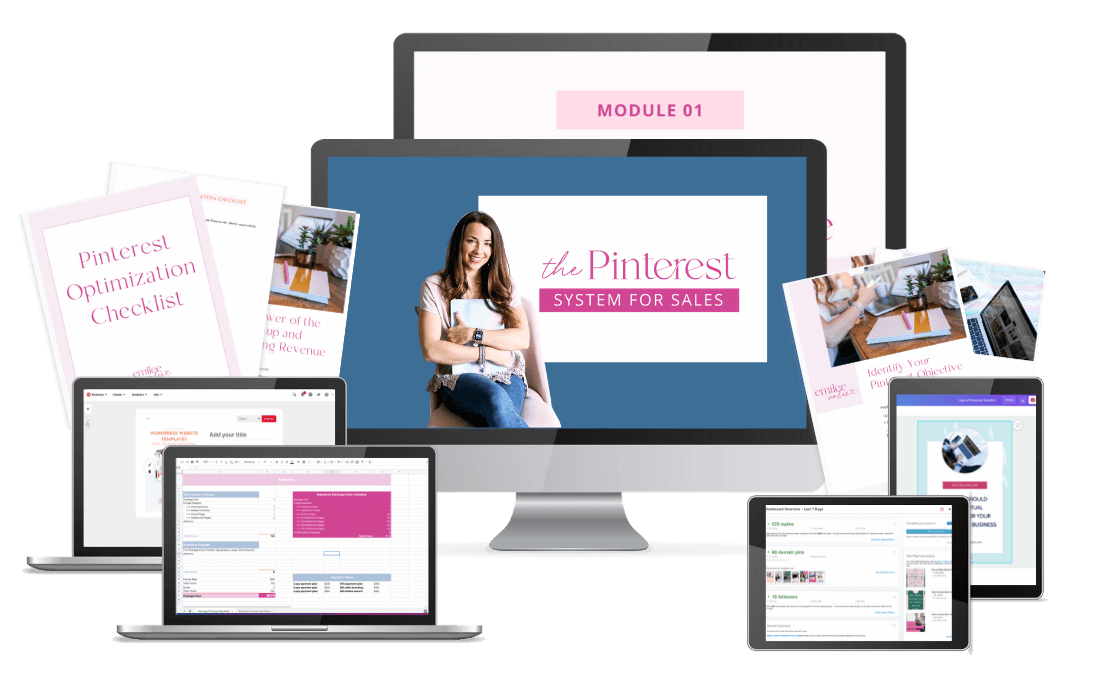
The one stop shop for optimization, driving traffic, and exploding sales
Create a solid Pinterest strategy that converts
Combining Pinterest strategy with the customer journey for automated profit

The perfect course for:
educators
course creators
bloggers
DIY Pinterest strategists

Identify your Pinterest objective (so you can keep your eye on the prize of why you’re using Pinterest)
Create your Pinterest sales funnel (to convert your traffic and get those sales!)
Implement an effective Pinterest strategy, unique for your business (Create consistent traffic to your site)
Optimize a new, or current, Pinterest account (perfect for people who are getting started on Pinterest, or just need to refresh their current account!)
Create your systems for efficiency, organization, and consistency(perfect for those wanting to save time and automate their Pinterest)
Follow-up with your potential customer(create a system and sales machine via the power of email marketing)
"My Pinterest stats are up, my blog traffic is up, and Pinterest is driving a significant amount of traffic and sales to my website shop"
“Emilee has really helped me to be more successful on Pinterest. Emilee is also a great communicator and easy to work with (her systems make sense to me!). I get to be hands off but still kept in the loop. I definitely recommend her!”

Sara Cottrill-Carlo
The Responsive Counselor
What’s Inside
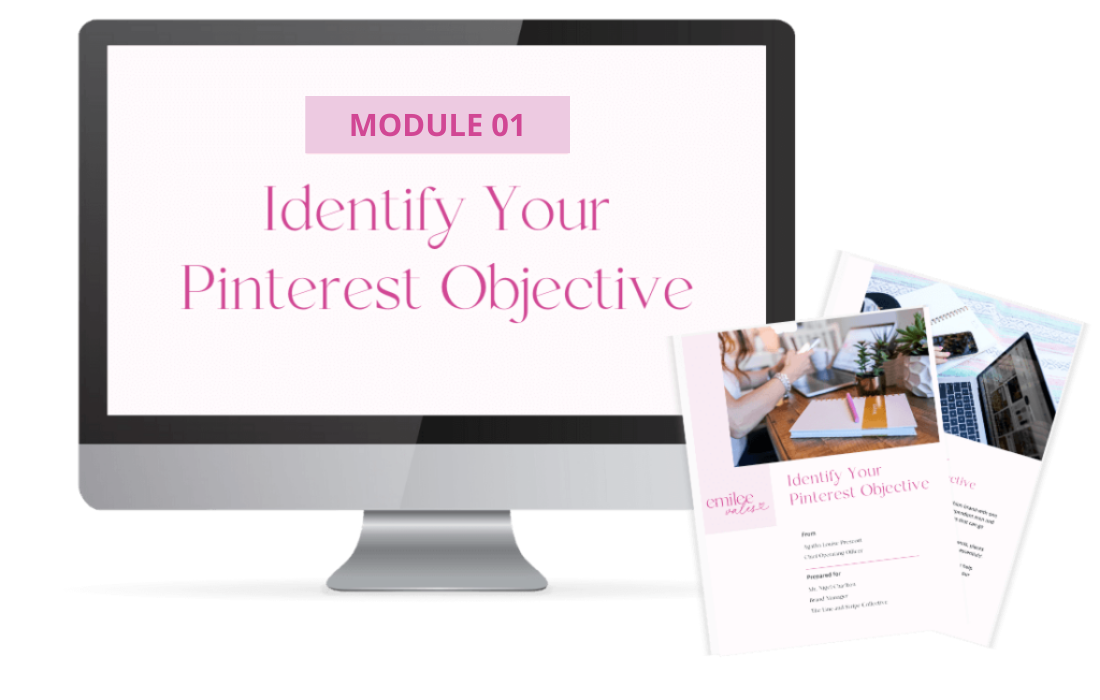
module 01
Identify Your Pinterest Objective
In this module, you’ll learn why you need to identify your objective for using Pinterest, and how to measure success over time.
(Value $197)
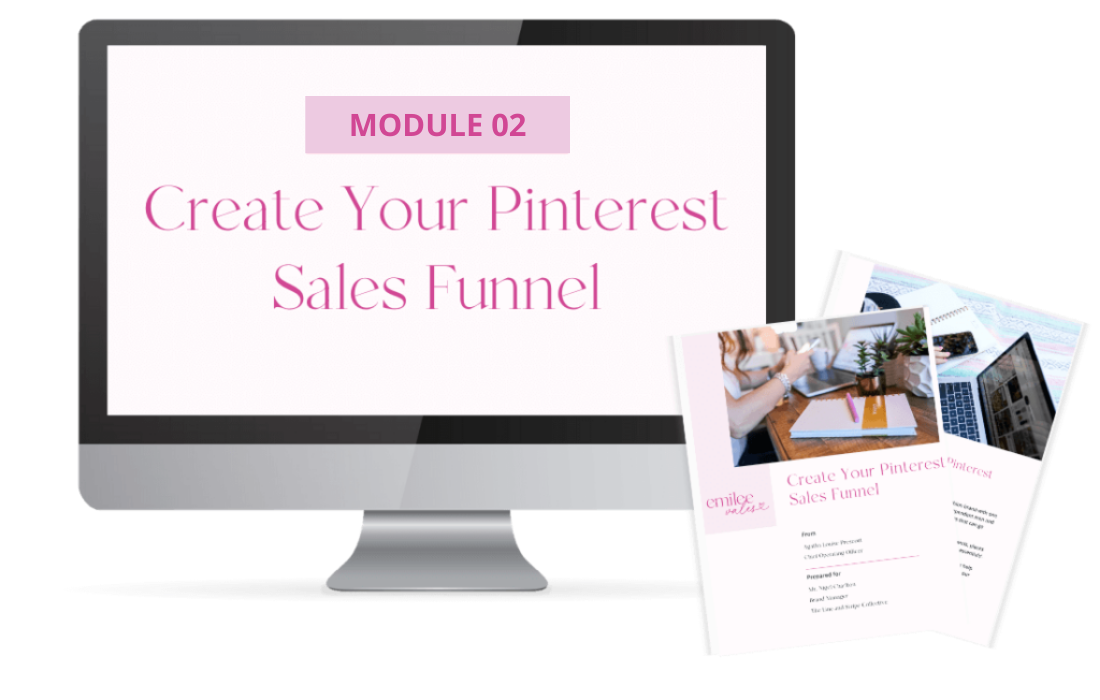
module 02
Create Your Pinterest Sales Funnel
Identify and outline your unique customer journey for Pinterest, so your traffic is turning into sales.
(Value $597)
module 03
Pinterest Strategy Creation
Create an effective strategy unique to your brand and niche, and learn how to not just drive traffic, but actions on your site!
(Value $997)
module 04
Account Optimization and Refresh
Learn how to set up, or clean up, your Pinterest account so it’s optimized and aligns with best practices for the search engine.
(Value $797)
module 05
Implementation
Implement your new strategy consistently with a scheduler, and understand how to track Pinterest KPI's to better understand what's working and what's not.
(Value $797)
module 06
The Power of the Follow-up and Recurring Revenue
Learn more about important metrics to track, what platforms you can use, and the power of the follow-up. Plus, what platforms you can use for nurturing your potential customers.
(Value $297)
module 07
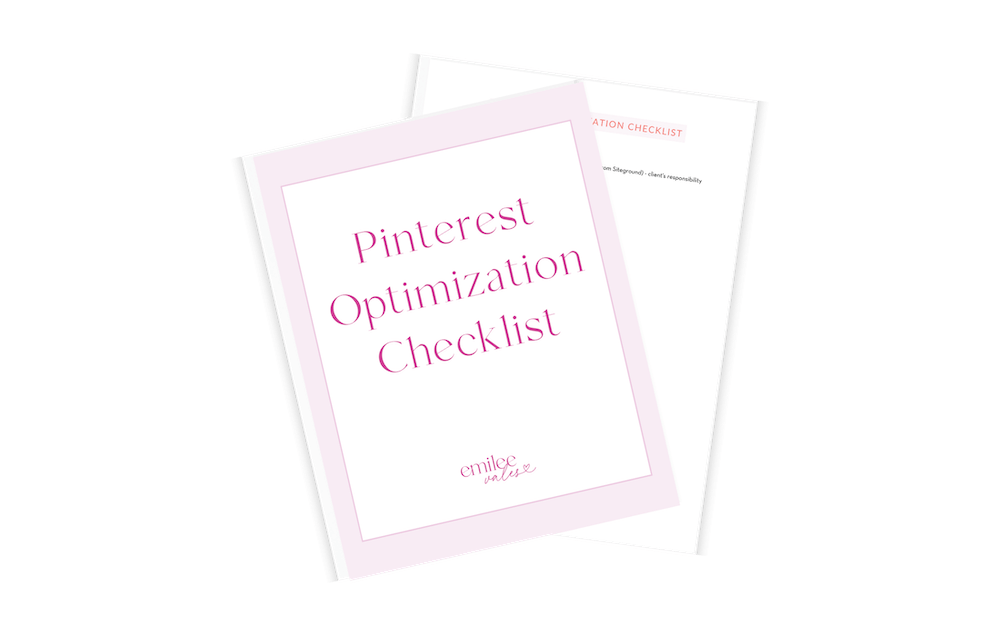
Pinterest Optimization Checklist
Ensure you aren’t leaving out any of the important pieces that are necessary for creating an optimized account, implementing an effective strategy, and staying consistent with this checklist.
(Value $97)
BONUSES

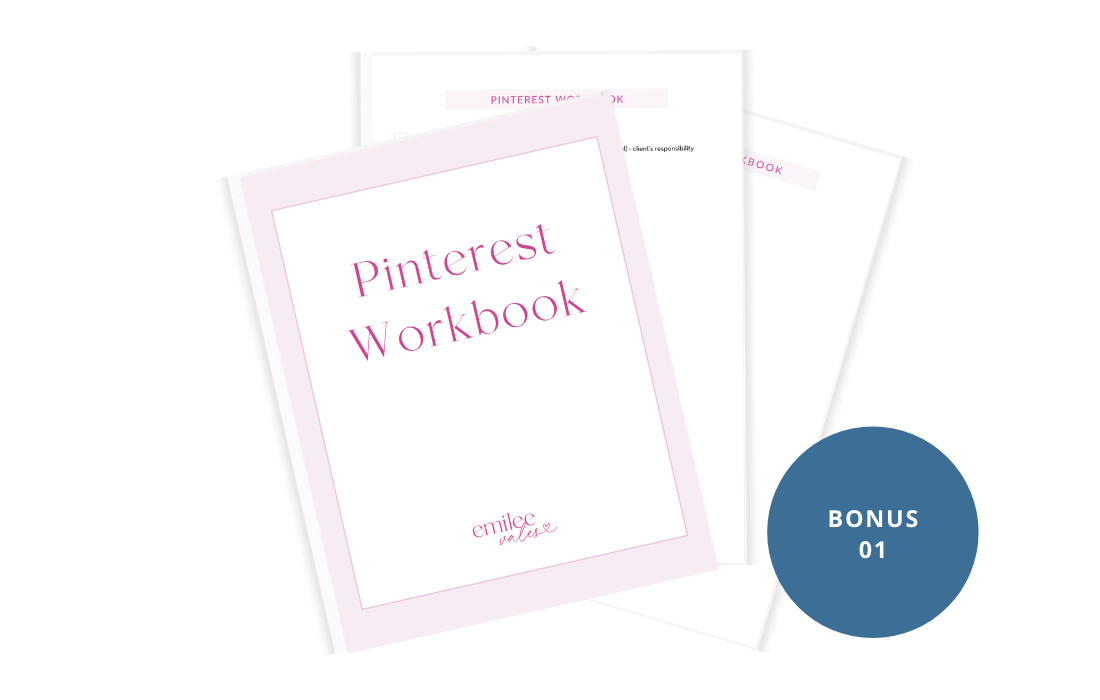
Pinterest Workbook (pages released with each module)
Each module has workbook pages for implementation, so you can stay accountable and track your goals and progress.
(Value $197)
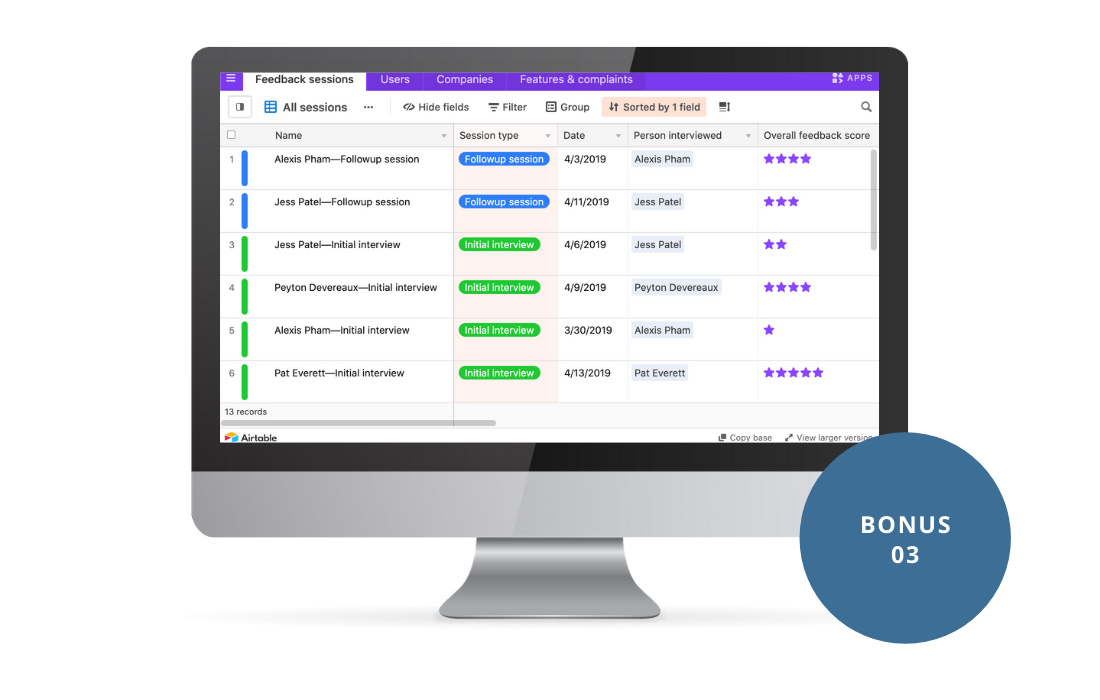
AirTable Tutorial (released with module 05)
Video video training on one of my favorite platforms, AirTable! I also show you how to use the bonus templates that have been shared in this course.
(Value $27)
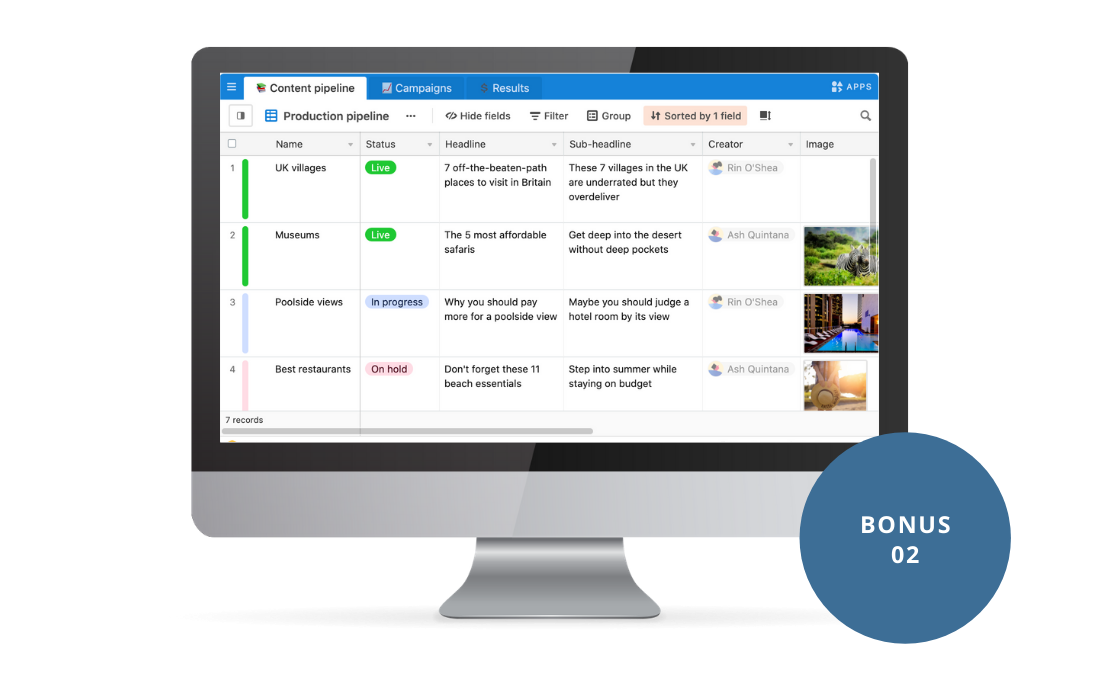
AirTable Templates (released with module 05)
Templates to help you stay organized and up-to-date on Pinterest trends and seasons.
(Value $47)
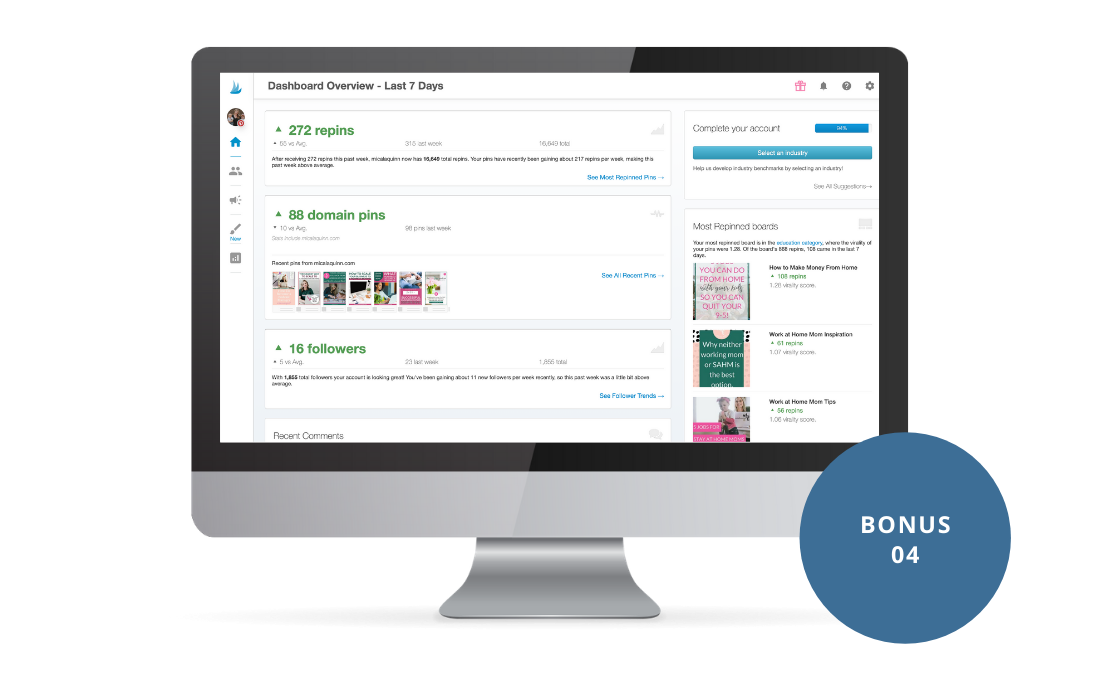
Tailwind Tutorial (released with module 05)
Overview of my preferred scheduler, Tailwind, and how to use it for automation. Plus, pitfalls to avoid when using a scheduler.
(Value $47)
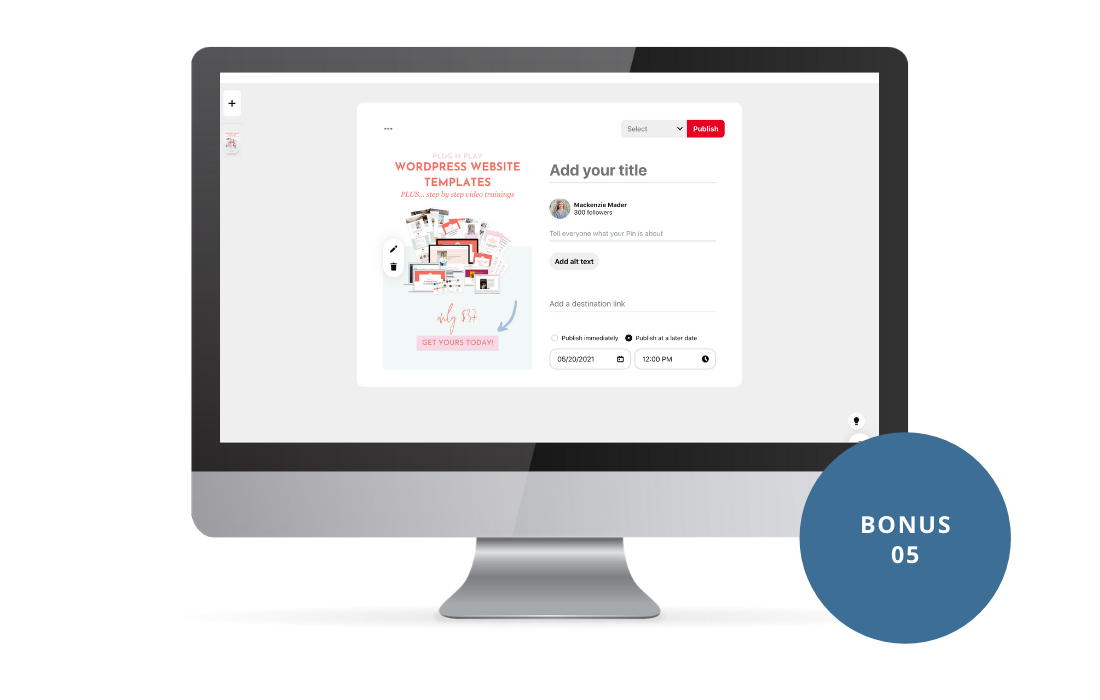
Scheduling & Idea Pins
(released with module 03)
Learn how to schedule directly on Pinterest and create your first story pin. Spoiler alert, it’s more simple than you think!
(Value $47)
Pinterest Mythbusters
(released with module 02)
I’m breaking down all the myths and what to pay attention to, or ignore, when using Pinterest!
(Value $47)
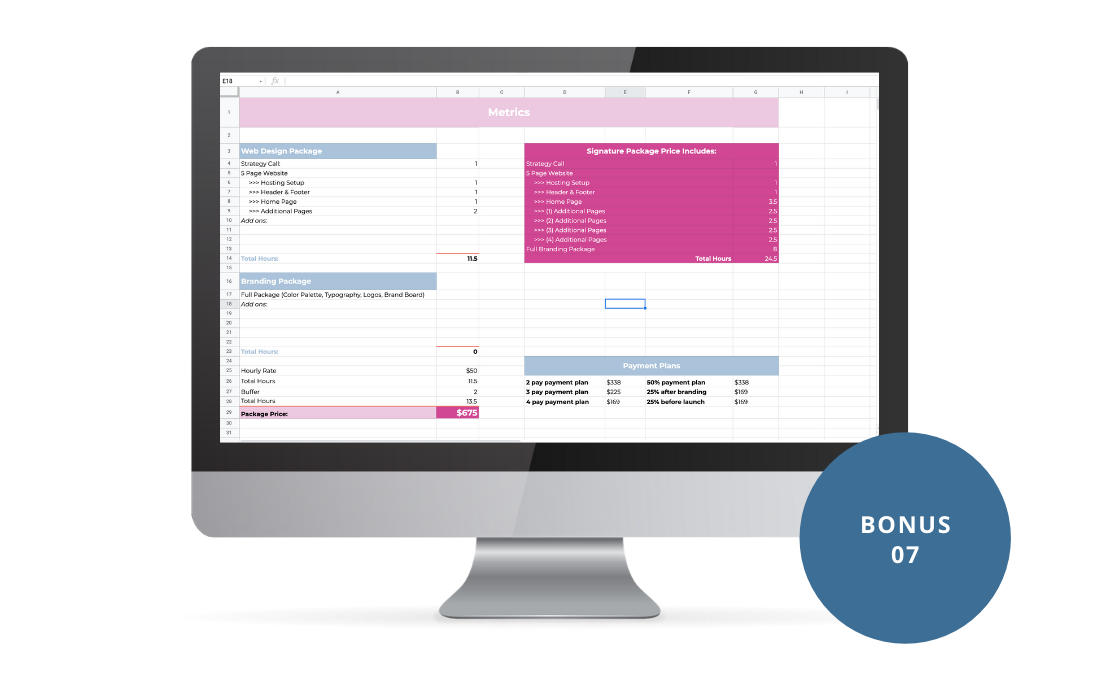
Metrics Calculator (released with module 06)
Automatically calculate some of the important metrics I’ve included in this course!
(Value $27)
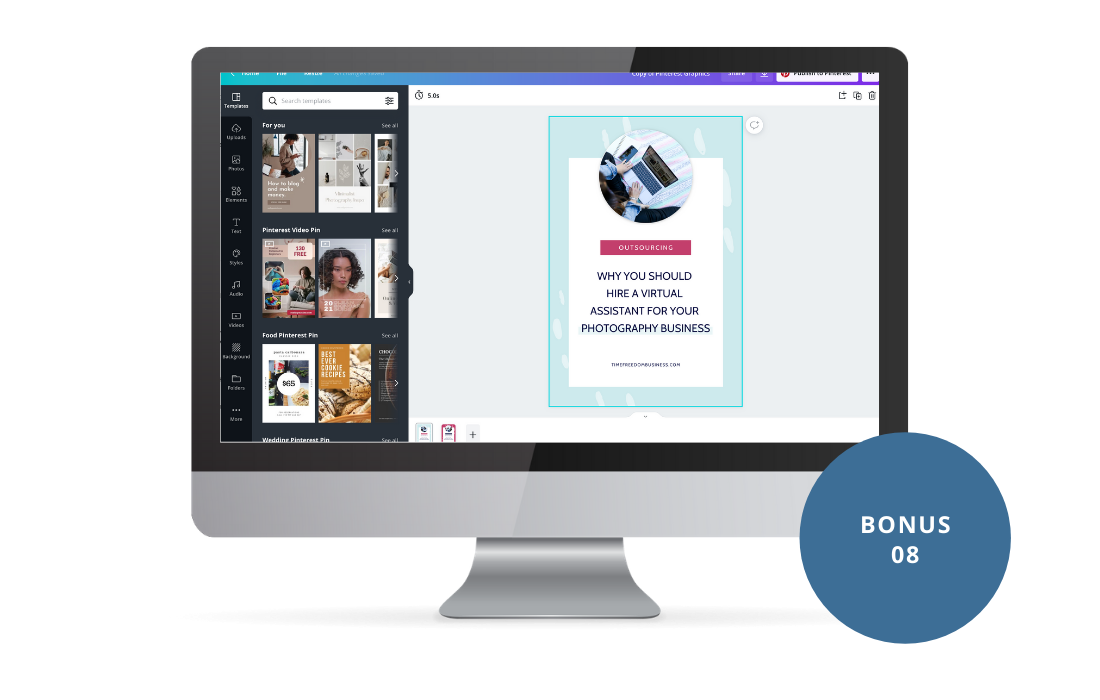
Canva Templates (released with module 04)
Static, video, and idea pin templates that you can use to start creating beautiful pins on Pinterest, right now!
(Value $97)
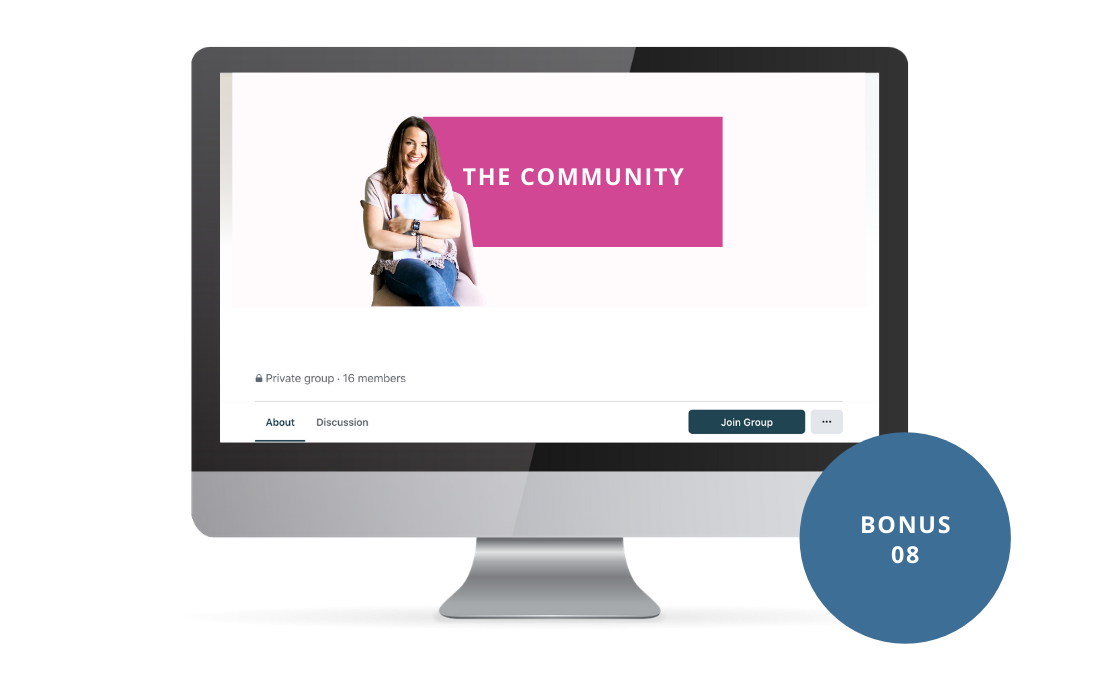
6-Month Access to Facebook Support Group
This group is a great place to go and ask questions, or bounce ideas off of other students. Plus, I’ll be doing lives on any new or important changes on Pinterest to note.
(Value $197)
"My Pinterest stats are up, my blog traffic is up, and Pinterest is driving a significant amount of traffic and sales to my website shop"
“Emilee has really helped me to be more successful on Pinterest. Emilee is also a great communicator and easy to work with (her systems make sense to me!). I get to be hands off but still kept in the loop. I definitely recommend her!”

Sara Cottrill-Carlo
The Responsive Counselor
WHAT'S INCLUDED:
Identify Your Pinterest Objective (Value $197)
Create Your Pinterest Sales Funnel (Value $597)
Pinterest Strategy Creation (Value $997)
Account Optimization and Refresh (Value $797)
Implementation (Value $797)
The Power of the Follow-up and Recurring Revenue (Value $297)
Pinterest Optimization Checklist (Value $97)
BONUS: Pinterest Workbook (Value $197)
BONUS: Airtable Tutorial (Value $27)
BONUS: Airtable Templates (Value $47)
BONUS: Tailwind Tutorial (Value $47)
BONUS: Scheduling & Idea Pins (Value $47)
BONUS: Pinterest Mythbusters (Value $47)
BONUS: Metrics Calculator (Value $27)
BONUS: Canva Templates (Value $97)
BONUS: 6-Month Access to Facebook Support Group (Value $197)
Total Value = $4,512
Regular Price = $597
Today's Price = $497


SATISFACTION GUARANTEED
If you aren’t 100% satisfied with this course, you’ve gone through all the modules and utilized the Facebook Group Support, I will fully refund you.
FAQ's
frequently asked questions
Here’s the truth:
I’m over people complaining and saying there’s a Pinterest problem, or for that matter, a Tailwind problem. Pinterest is an amazing platform for building your most valuable asset, your email list!
But we need to close the gap between driving traffic and converting it.
Let me help you with my comprehensive approach to looking at the entire customer journey from the moment Pinners enter in those keywords to them becoming your next loyal customer.


WHAT'S INCLUDED:
Identify Your Pinterest Objective (Value $197)
Create Your Pinterest Sales Funnel (Value $597)
Pinterest Strategy Creation (Value $997)
Account Optimization and Refresh (Value $797)
Implementation (Value $797)
The Power of the Follow-up and Recurring Revenue (Value $297)
Pinterest Optimization Checklist (Value $97)
BONUS: Pinterest Workbook (Value $197)
BONUS: Airtable Tutorial (Value $27)
BONUS: Airtable Templates (Value $47)
BONUS: Tailwind Tutorial (Value $47)
BONUS: Scheduling & Idea Pins (Value $47)
BONUS: Pinterest Mythbusters (Value $47)
BONUS: Metrics Calculator (Value $27)
BONUS: Canva Templates (Value $97)
BONUS: 6-Month Access to Facebook Support Group (Value $197)
Total Value = $4,512
Regular Price = $597
Today's Price = $497
COPYRIGHT 2021 EMILEE VALES | PRIVACY POLICY | TERMS & CONDITIONS | DESIGNED BY MACKENZIE